When we took on the FRC IntelliJ plugin earlier this month, we said we wanted it to help C++ teams too. The first beta of that is out: 2026.6.5 beta 2 runs in CLion 2026.2 and opens WPILib C++ robot projects properly.
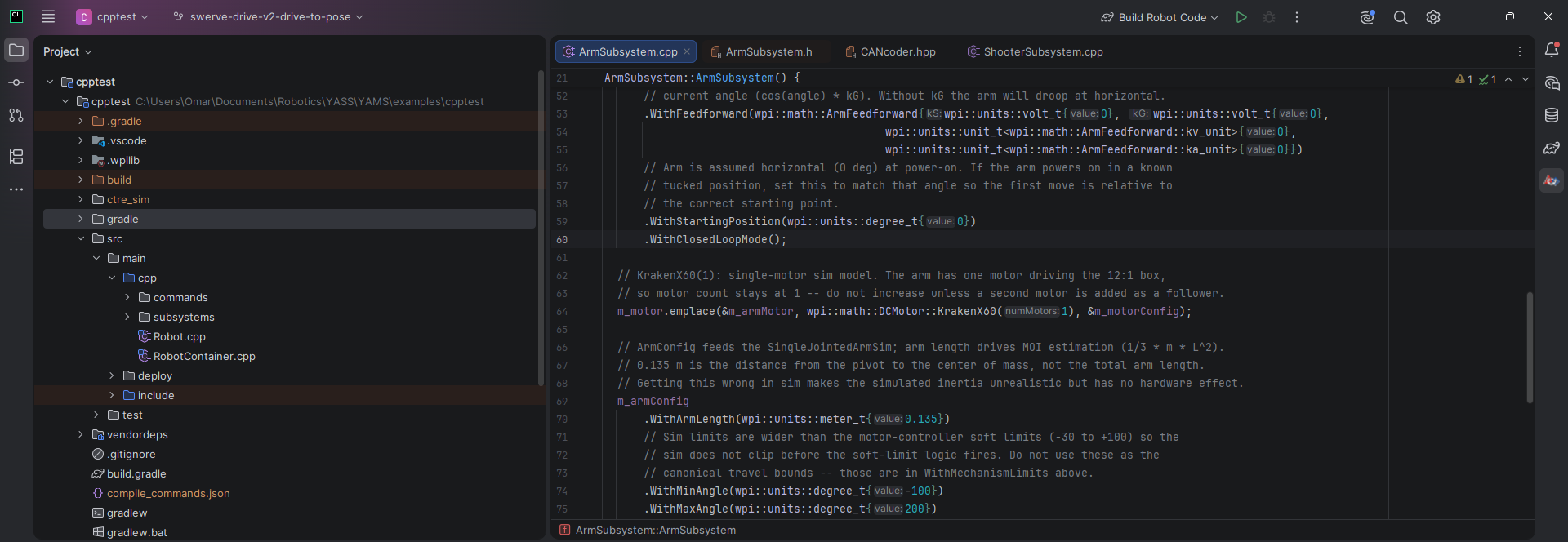
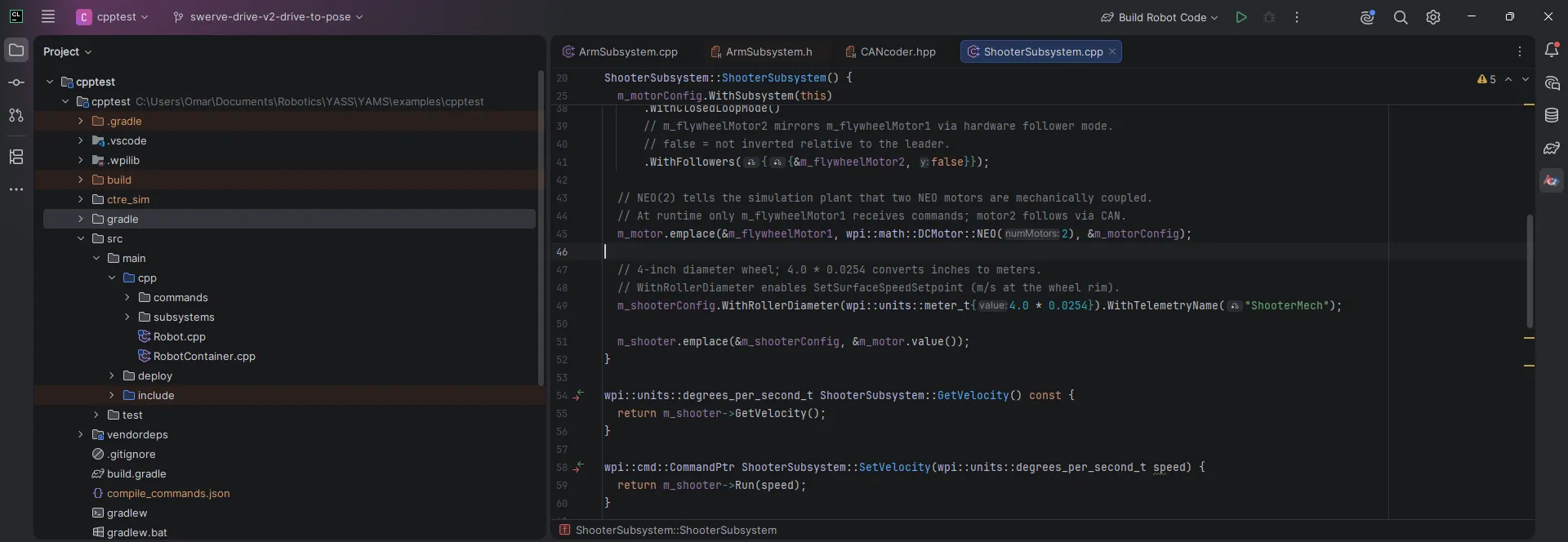
Here it is in CLion 2026.2.3 with examples/cpptest, the C++ example project in the YAMS repository, with its arm subsystem open:
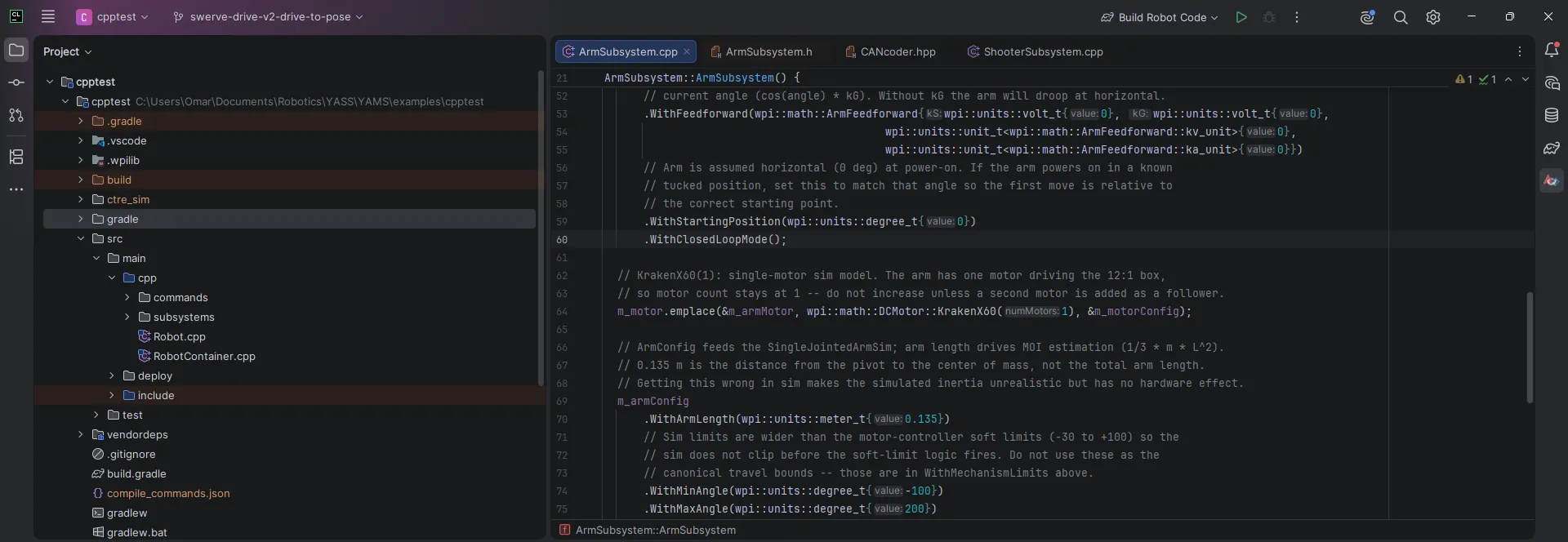
The little grey labels (kS:, value:, numMotors:) are CLion’s parameter hints. CLion can only show them when it has found the WPILib and YAMS headers and knows how the file is compiled, so they’re a quick way to see it’s working. The Build Robot Code run configuration at the top comes from the plugin too.
The problem it solves
A WPILib C++ project is built by GradleRIO, not CMake, so out of the box CLion doesn’t know where WPILib’s headers are or which flags the code is compiled with. You open Robot.cpp, every #include <frc/...> is red, and there’s no completion or go to definition for anything from WPILib or a vendordep.
The plugin fixes that by generating compile commands from the project’s Gradle build, including the WPILib and vendordep headers, so CLion’s code insight works the way it does on a CMake project. Here’s the arm’s header, with the Phoenix 6 TalonFX and CANcoder, the YAMS config and mechanism types, and a WPILib DigitalInput, all resolved:
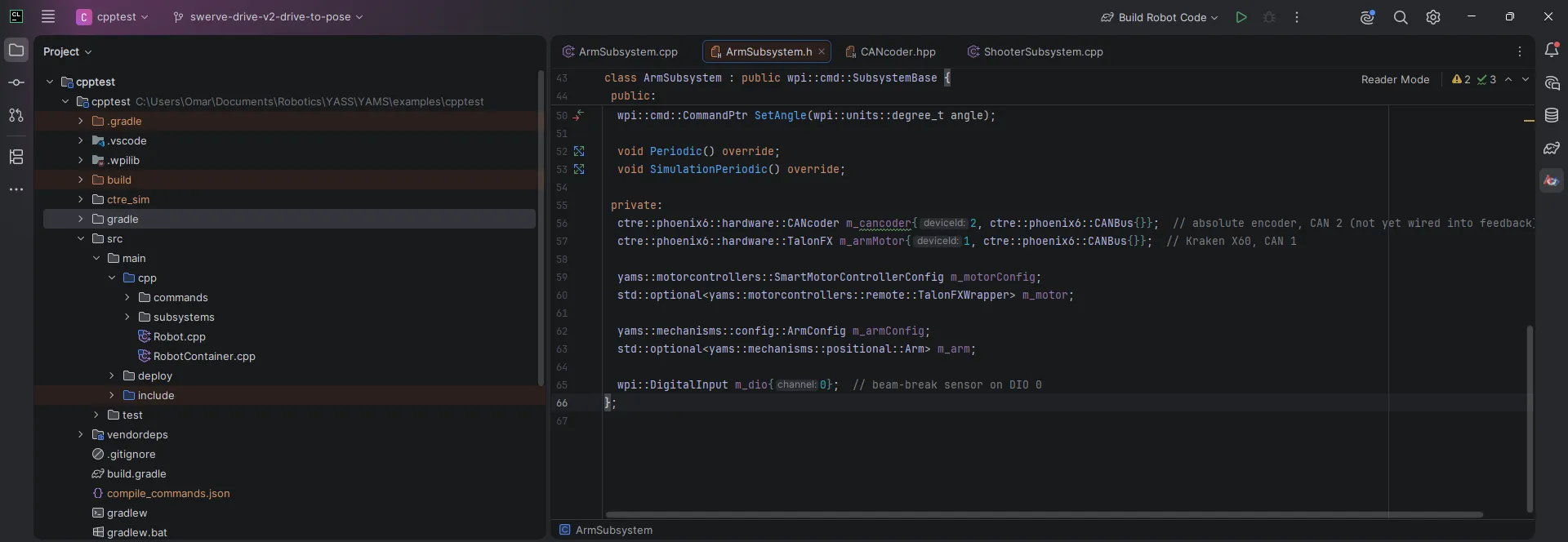
The icons in the gutter next to Periodic() and SimulationPeriodic() take you to the SubsystemBase methods they override, inside WPILib’s headers.
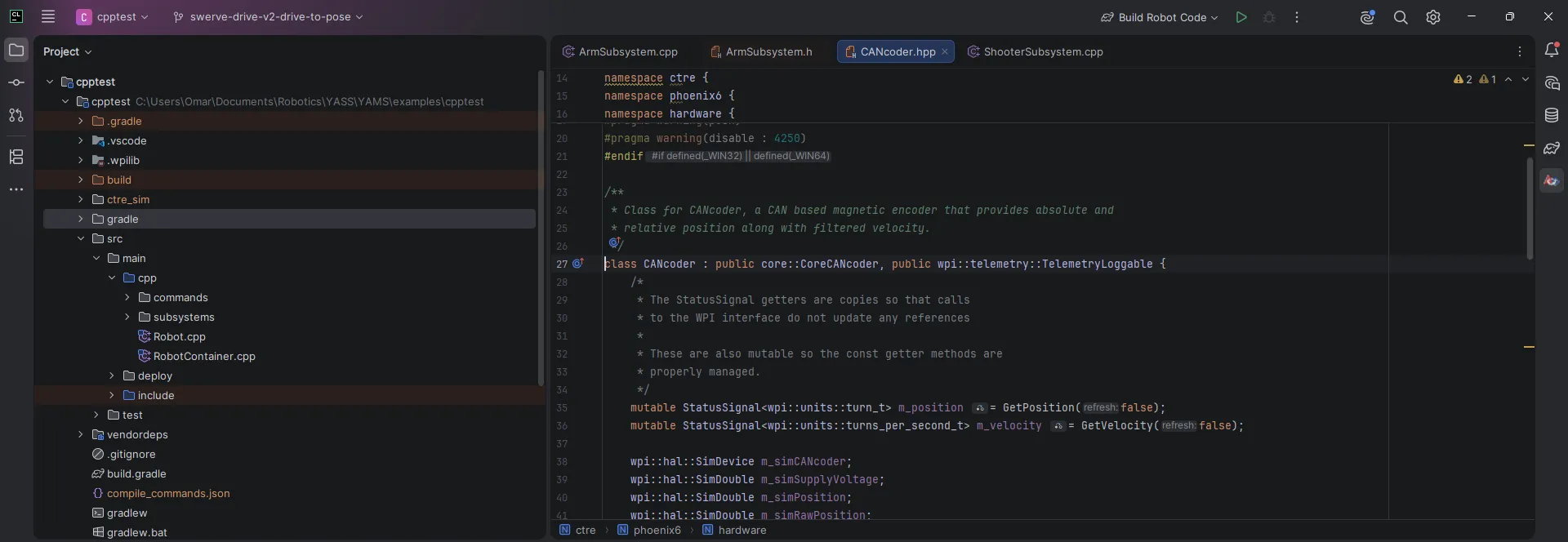
Those library headers get compile commands too, so when you go to a definition inside a vendordep, it doesn’t turn red. Here’s Phoenix 6’s CANcoder.hpp, opened from the Gradle cache, with its own includes of CTRE and WPILib headers resolved:
What’s in the beta
- CLion support for WPILib C++ robot projects. Open a GradleRIO C++ project and CLion understands it.
- Compile commands for WPILib and vendordep headers. Completion, navigation and error highlighting work through WPILib, YAMS and the other vendordeps you’ve installed.
- Pick which libraries get compile commands. Indexing every vendordep’s headers can be slow, so you can choose which libraries CLion indexes.
- Projects below the folder you opened. If your robot project is nested in a larger repository (like
examples/cpptestin YAMS), the plugin still finds it. - 2026 project templates. The New Project wizard has the 2026 templates, and the 2025 templates are fixed.
The vendordep manager
The plugin’s Vendordeps tool window works in CLion too. Open it from the FIRST icon on the right side of the window. It lists the vendordeps your project has installed and the ones you can add from WPILib’s vendor repository, for the season in your project’s .wpilib/wpilib_preferences.json (here, 2027 alpha 7). Select one and click Install, Update or Remove, or use Install from URL for a vendordep JSON that isn’t in the repository. When the vendordeps folder changes, the plugin reloads the Gradle project for you.
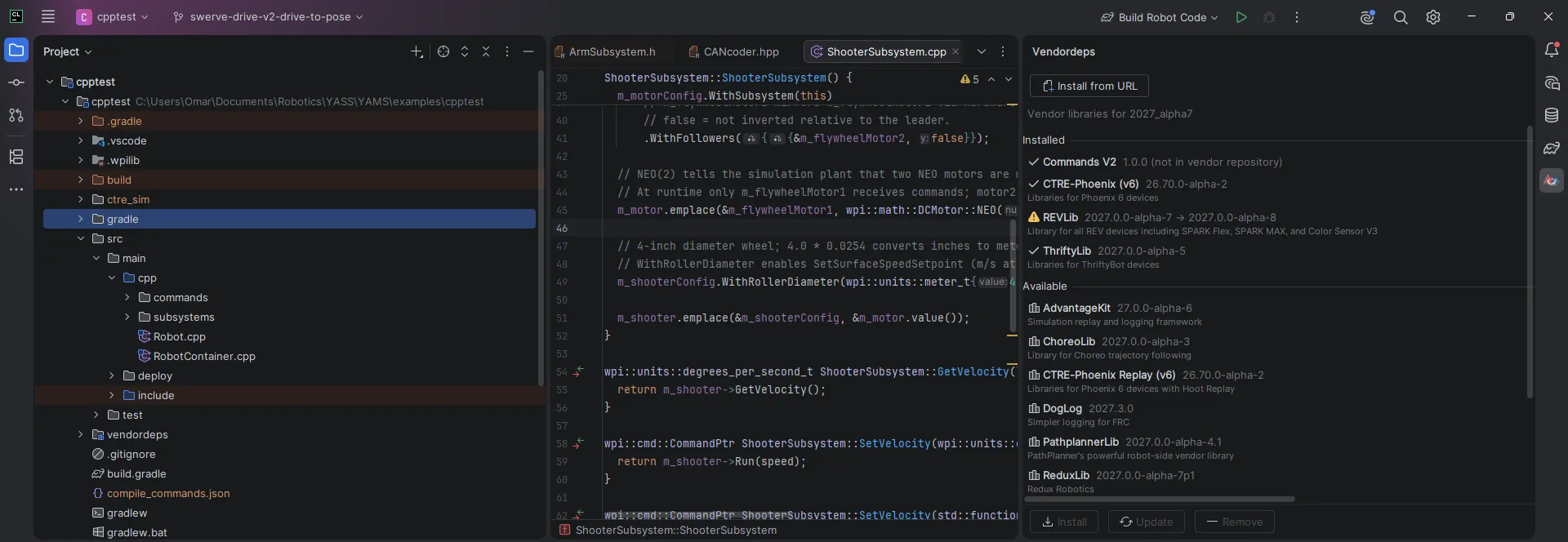
An installed vendordep with a newer version in the repository gets a warning icon and an arrow to the new version, like REVLib going from 2027.0.0-alpha-7 to alpha-8 here.
Trying it
It’s a beta, so expect rough edges. Download FRC-2026.6.5-2026.2-beta2.zip from the release, then in CLion open Settings ▸ Plugins, click the gear icon, choose Install Plugin from Disk…, pick the zip and restart.
If CLion still shows red includes, or a vendordep’s headers aren’t picked up, open an issue with your CLion version and your project’s vendordeps folder, or find us on the YASS Discord.