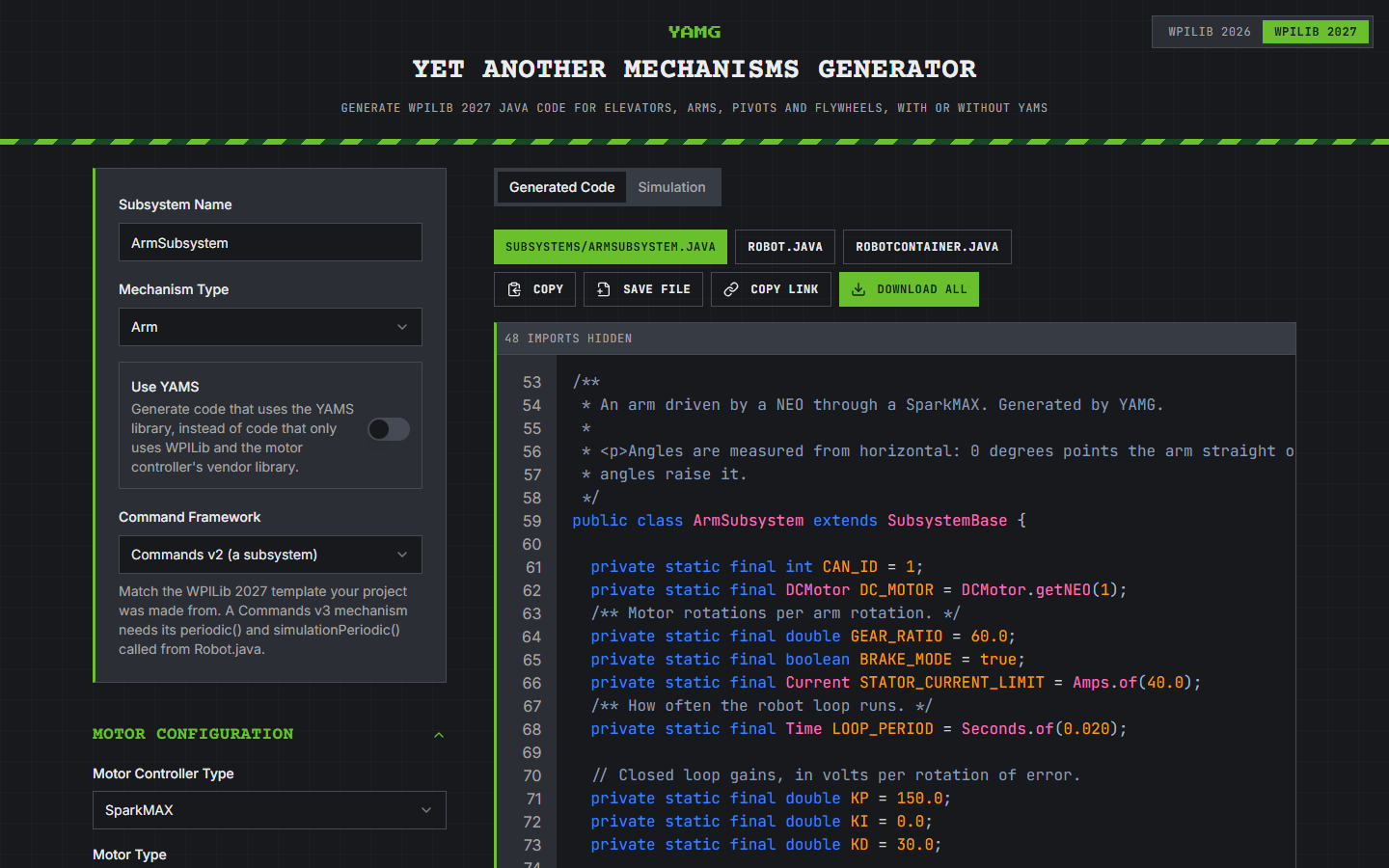
YAMG (Yet Another Mechanisms Generator) has been restyled to match this website. It now looks like the rest of YASS.
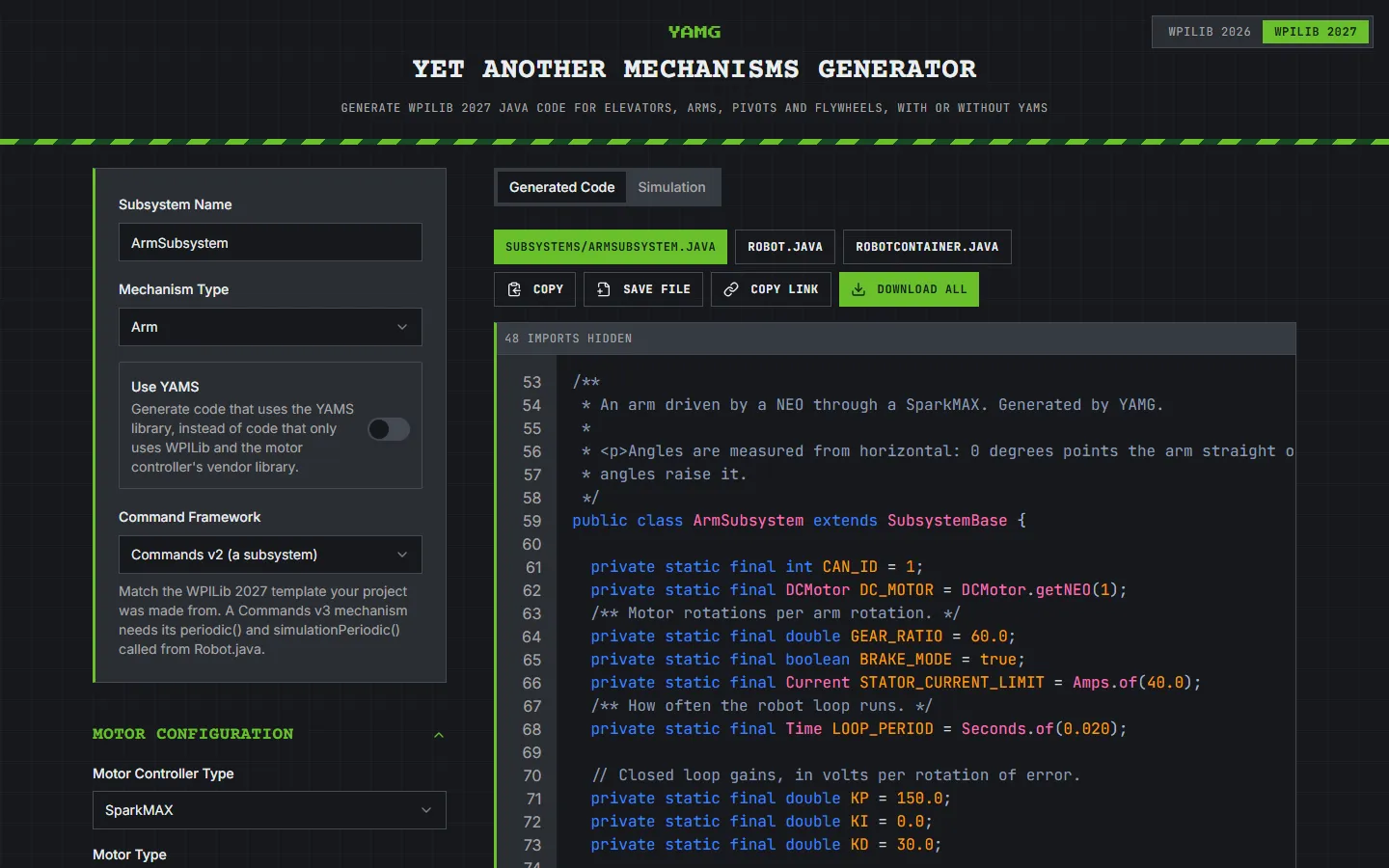
The code it generates is the same as before. What has changed is where the form starts: each mechanism now starts with firm PID gains and a gear ratio that suits it. See New starting values below.
Before and after
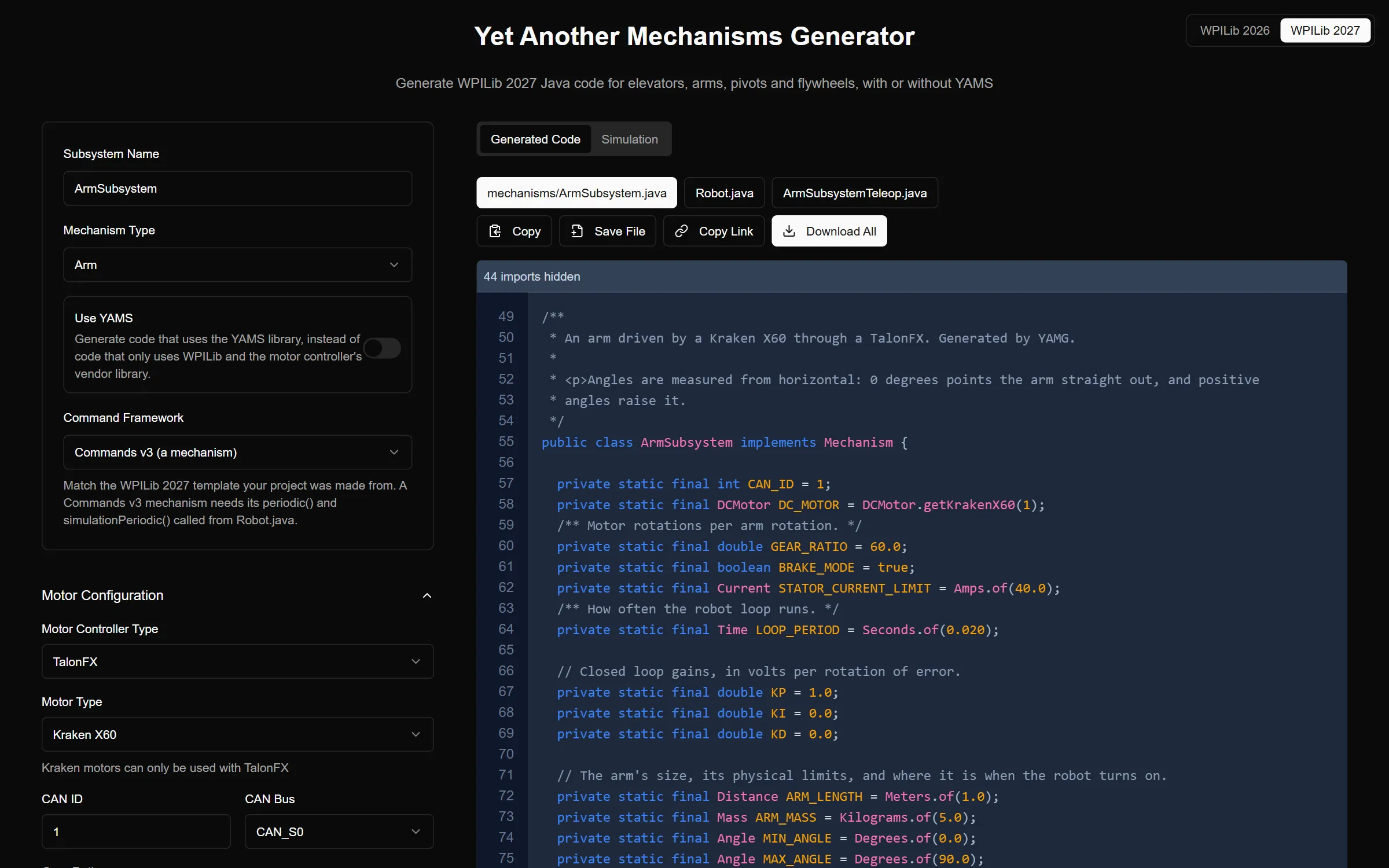
Here’s how it looked last week, in the YAMG 2027 post:
The new look uses the YASS website’s design:
- Colours: dark graphite surfaces, Bright Fern green for the things you act on, and a green edge on the form, code and simulation panels.
- Fonts: headings in Courier Prime, text in Inter, and code and labels in JetBrains Mono, with a small pixel YAMG wordmark at the top.
- The page: the blueprint grid behind everything, and the green stripe under the header.
- Corners: square, with uppercase buttons, like the cards on this site.
A form that’s easier to scan
The form is long, so it’s now easier to find your way around. Every section (Motor Configuration, Control Configuration, Telemetry, Homing and the rest) and every group inside one (Ramp Rates, Current Limits, PID Values, Feedforward and so on) has a green heading, larger than the field labels under it. The top of the form, where you name the mechanism and pick its type, has a green edge.
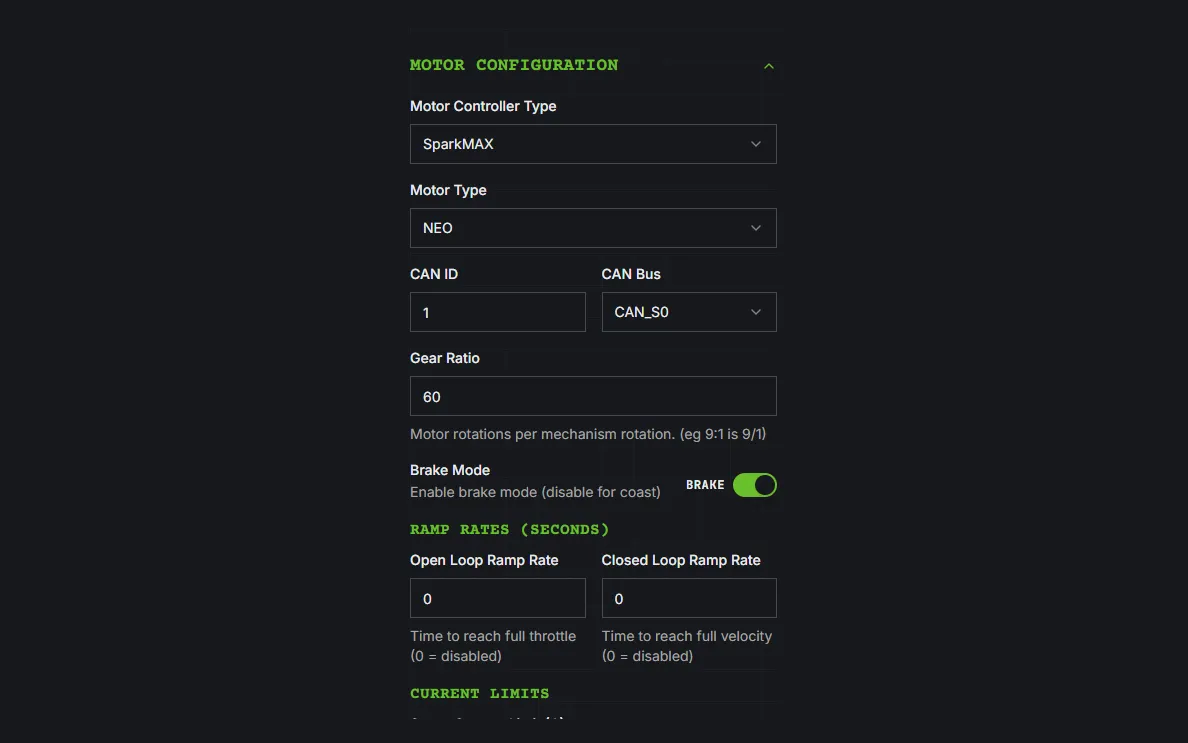
Brake or coast
The brake mode switch now says what it does. It reads Brake when it’s on and Coast when it’s off, so you don’t have to remember which way round it goes:

The code and the simulation
The generated code sits on a graphite panel in JetBrains Mono, with the same syntax colours as before.
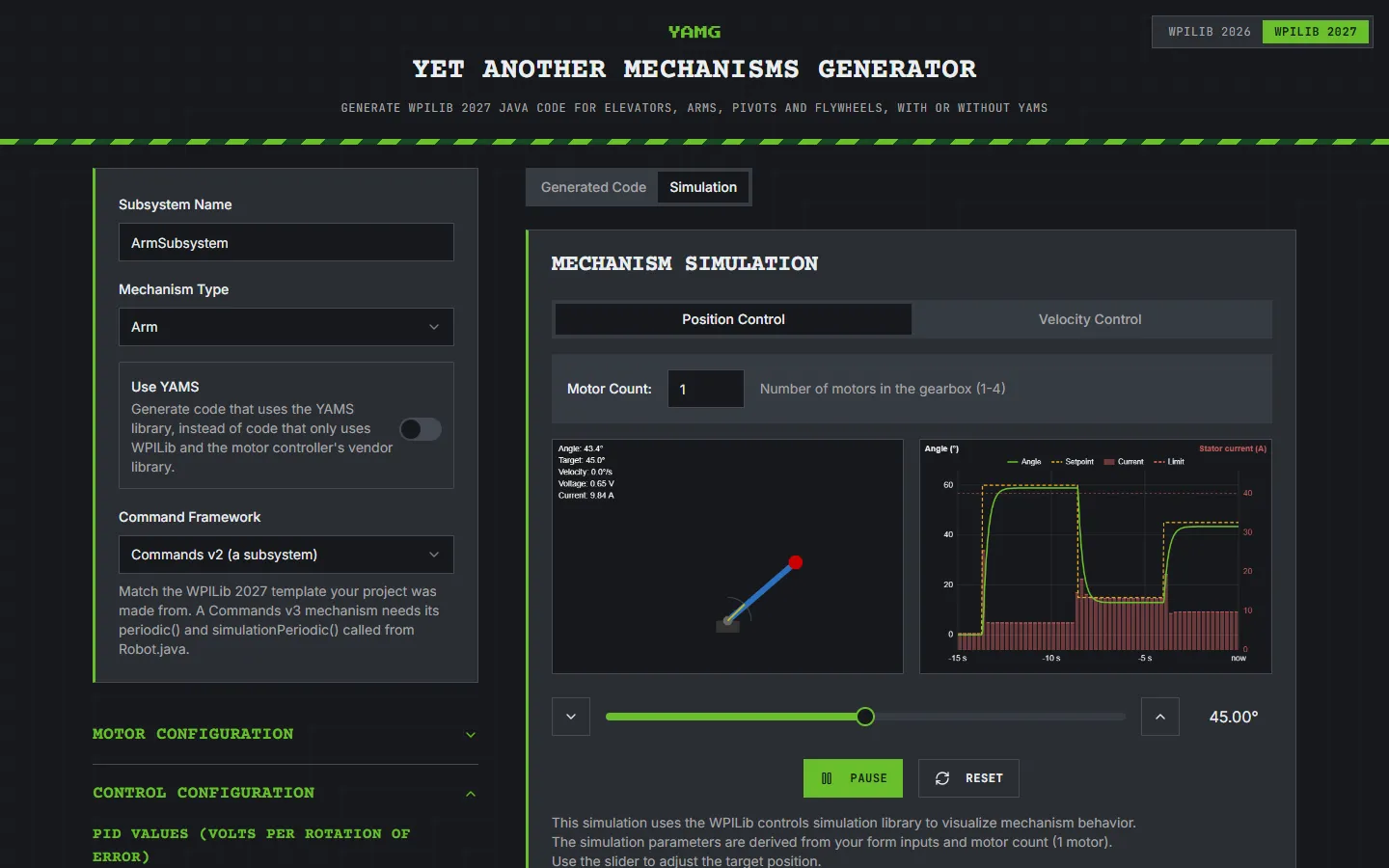
The simulation has the new colours too. On the graph, the measured angle (or height, or speed) is green, the setpoint is yellow and the stator current is red. The mechanism’s current and target markers match the graph. Here a NEO at 60:1 moves an arm to 60°, down to 15° and back up to 45°:
New starting values
YAMG used to start every mechanism at a kP of 1 on a 15:1 gearbox. That was far too soft. A kP of 1 barely moves an elevator, which made a normal kP of 50 look like a mistake. 15:1 was also wrong for two mechanisms: one motor couldn’t lift the default arm, and the flywheel topped out near 400 RPM.
Each mechanism now has its own starting values. Each one was checked in YAMG’s simulation:
| Mechanism | Gear ratio | kP | kD | In the simulation |
|---|---|---|---|---|
| Elevator | 15:1 | 50 V/m | 0 | 0.8 m in about 1.2 s, no overshoot |
| Arm | 60:1 | 150 V/rot | 30 | 60° in about 1.7 s, within 2% |
| Pivot and turret | 15:1 | 50 V/rot | 20 | 60° in about 1.4 s, no overshoot |
| Flywheel | 1:1 | 5 V/(rot/s) | 0 | holds 3000 RPM within 3% |
The default arm is also lighter, at 3 kg instead of 5.
When you change the mechanism type, the gains and gear ratio switch to that mechanism’s starting values, unless you’ve already changed them. Then they stay as you set them.
These are starting points, not a tune. Without feedforward, an arm sags a little below its target and a flywheel runs a little under its setpoint. Add kG for the arm and kV for the flywheel to close the gap. The Open ReCalc button can work out an arm’s or elevator’s feedforward for you.
Share links only store what differs from the starting values. A link made before this change that kept the old kP of 1 or the old gear ratio will now open with the new ones.
On your phone
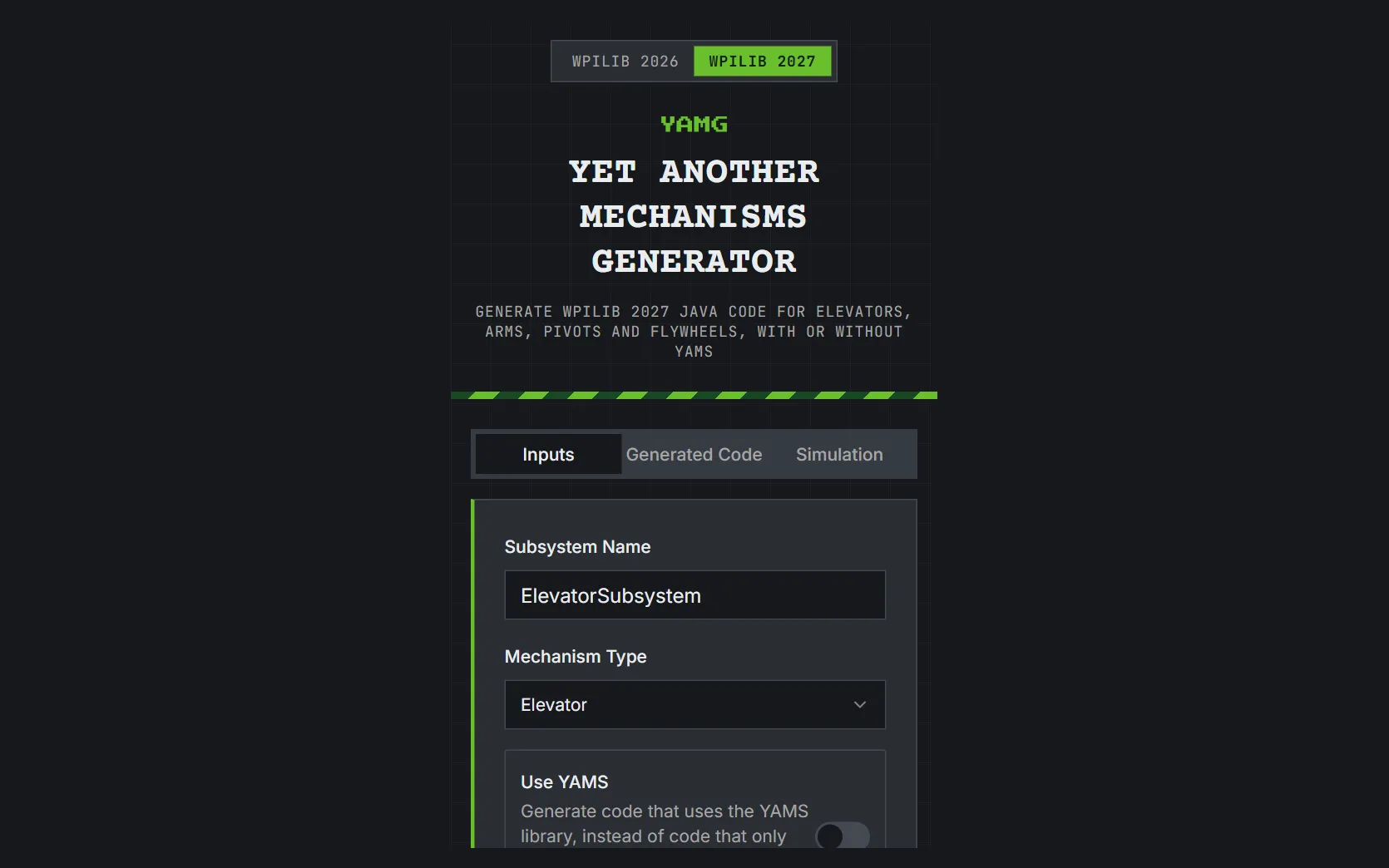
The phone layout is the same as before, with the inputs, the code and the simulation on their own tabs, in the new look:
Still on 2026?
The 2026 version at yamg.yassrobotics.com/2026 keeps its old look for now. Use the WPILib 2026 / 2027 switch in the top corner to swap between them.
Feedback
YAMG is open source: github.com/Yet-Another-Software-Suite/yamg. If something is hard to read or find in the new look, open an issue, or tell us on the YASS Discord.