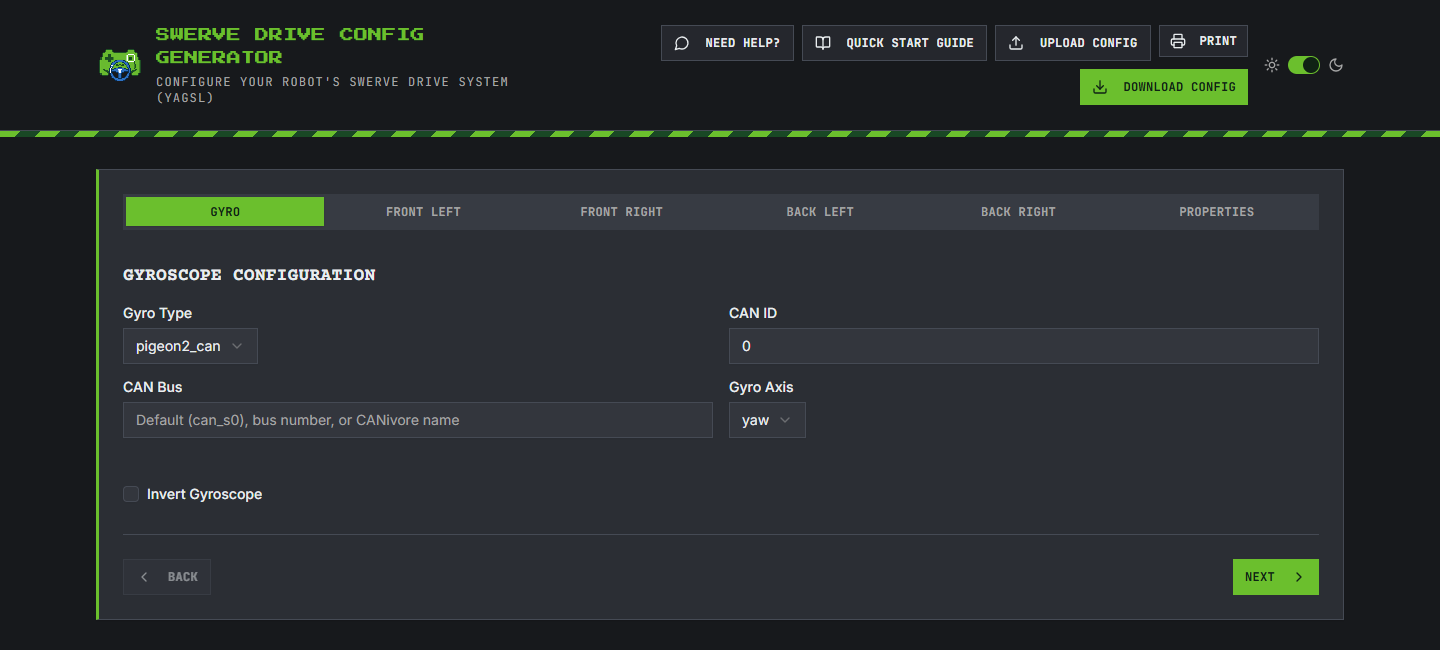
The YAGSL swerve drive config generator has been restyled to match this website and YAMG’s new look.
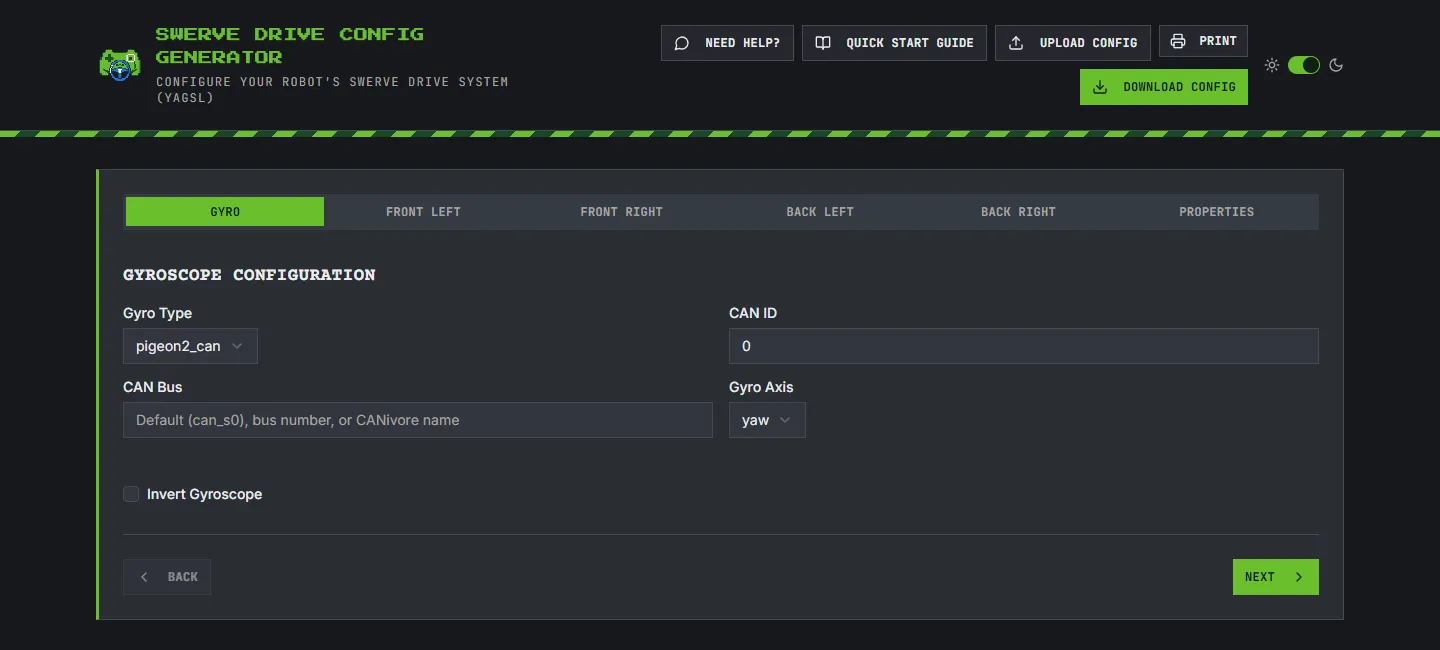
It still makes the same configuration files. You fill in your gyro, your four modules and your robot’s properties, then download them. The Quick Start Guide then walks you through using them in a new project.
Before and after
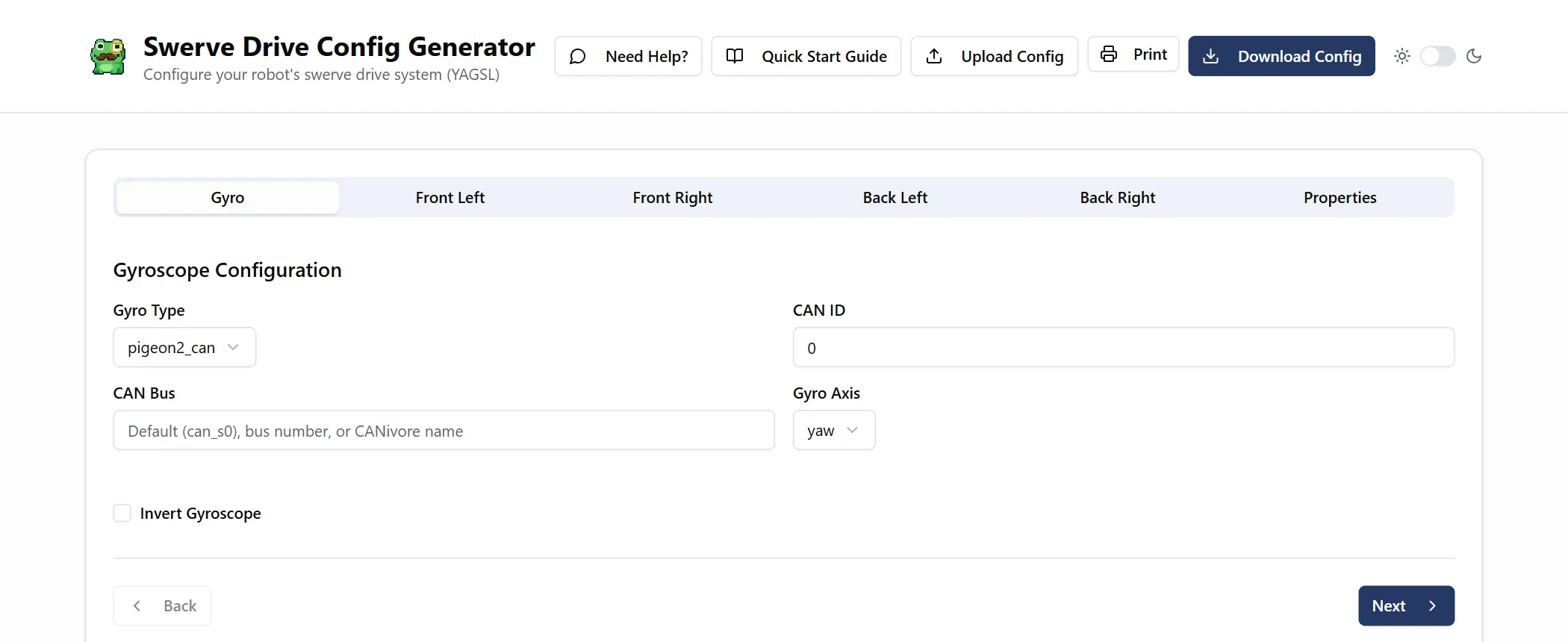
Here’s how it looked in the YAMS and YAGSL 2027 alpha 7 post:
The new look uses the YASS website’s design:
- Colours: dark graphite surfaces, with Bright Fern green for the buttons, the active tab, links and the edge of each card.
- Fonts: the page titles in a green pixel font, headings in Courier Prime, text in Inter, and buttons, tabs and code in JetBrains Mono.
- The page: the blueprint grid behind everything, and the green stripe under the header.
- Corners: square, with uppercase buttons and tabs.
- The logo: the header and the browser tab now show the YAGSL logo.
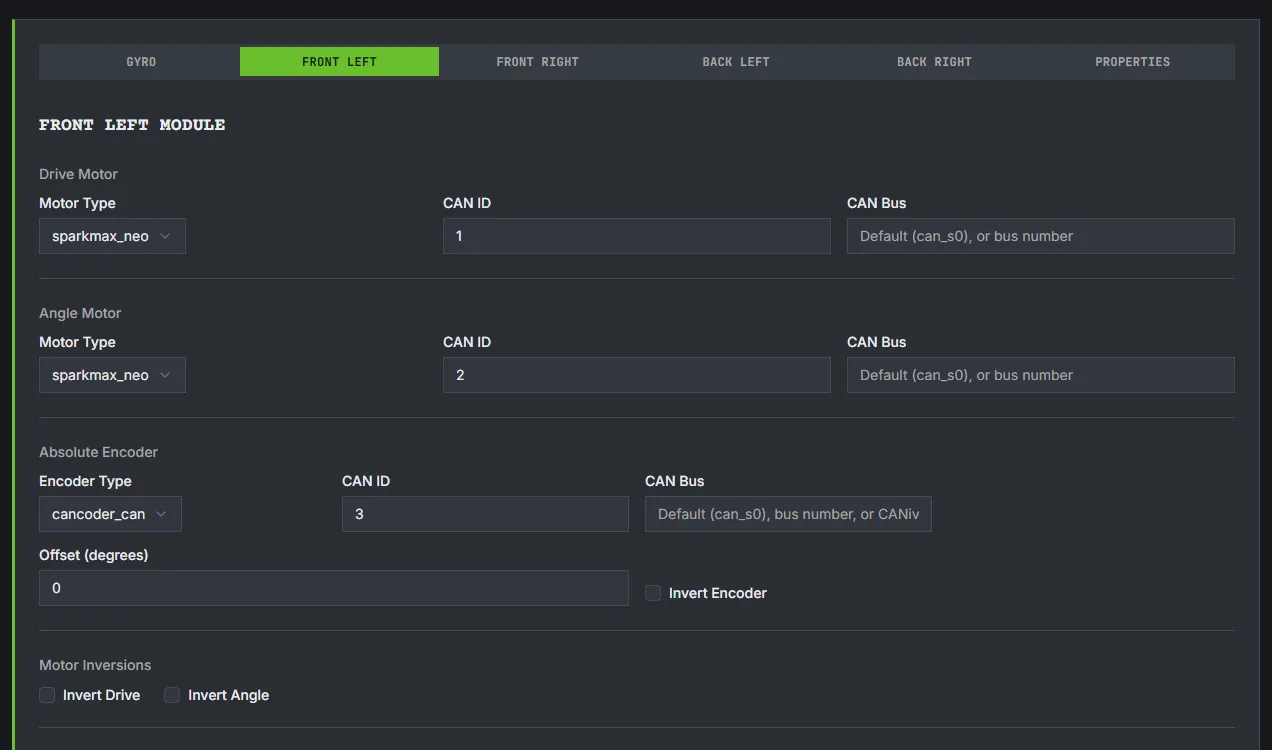
Each module’s tab has the same look, with its drive motor, angle motor, absolute encoder, inversions and location grouped under their own labels:
The Quick Start Guide
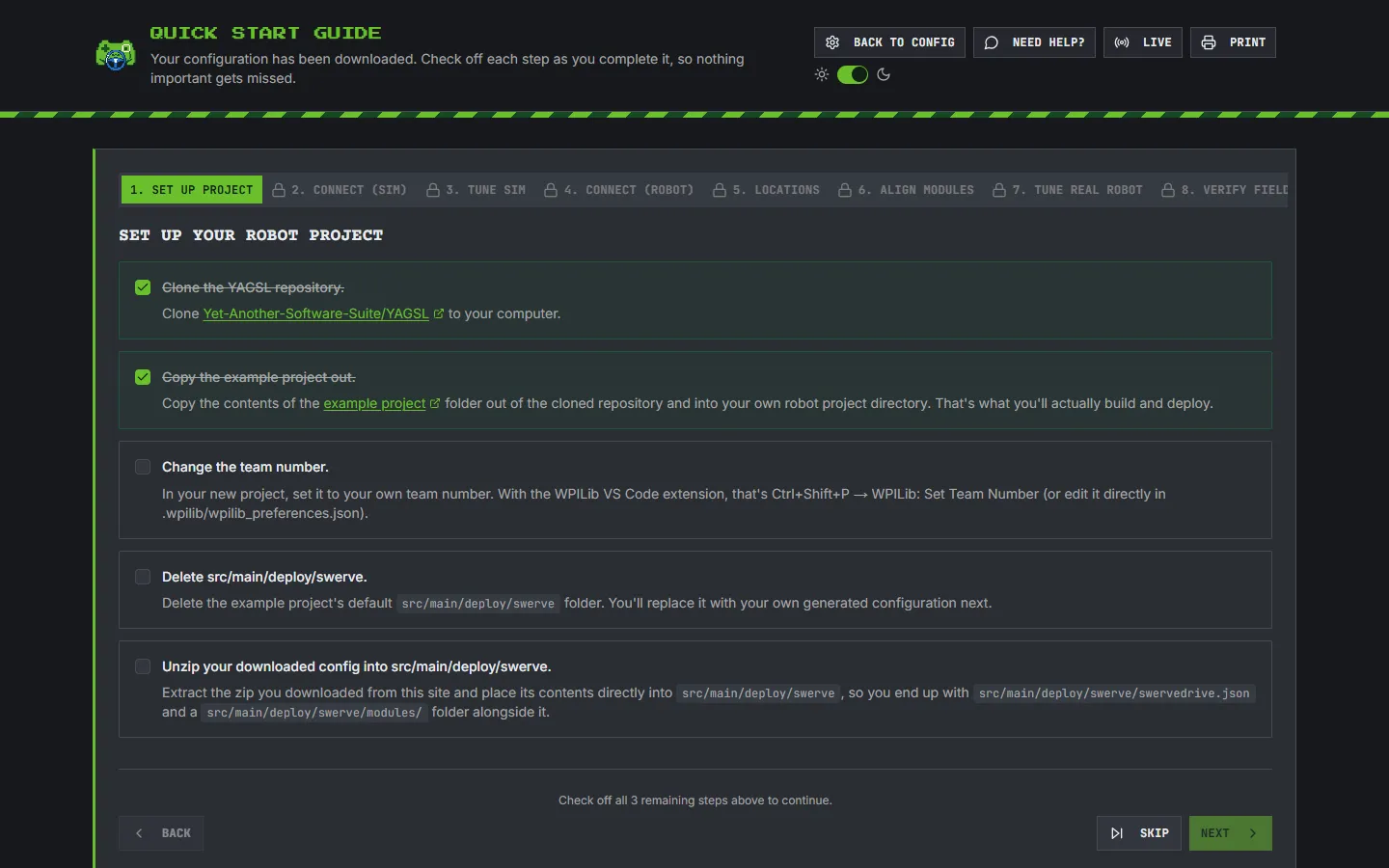
The Quick Start Guide is still a checklist, now in the new colours. Each step you tick turns green and is struck through, so you can see where you are at a glance. Tabs you haven’t reached yet show a lock until you get to them.
Light mode and printing
Dark is now the default, like this website. The switch in the top corner still turns on light mode, and the site remembers your choice:
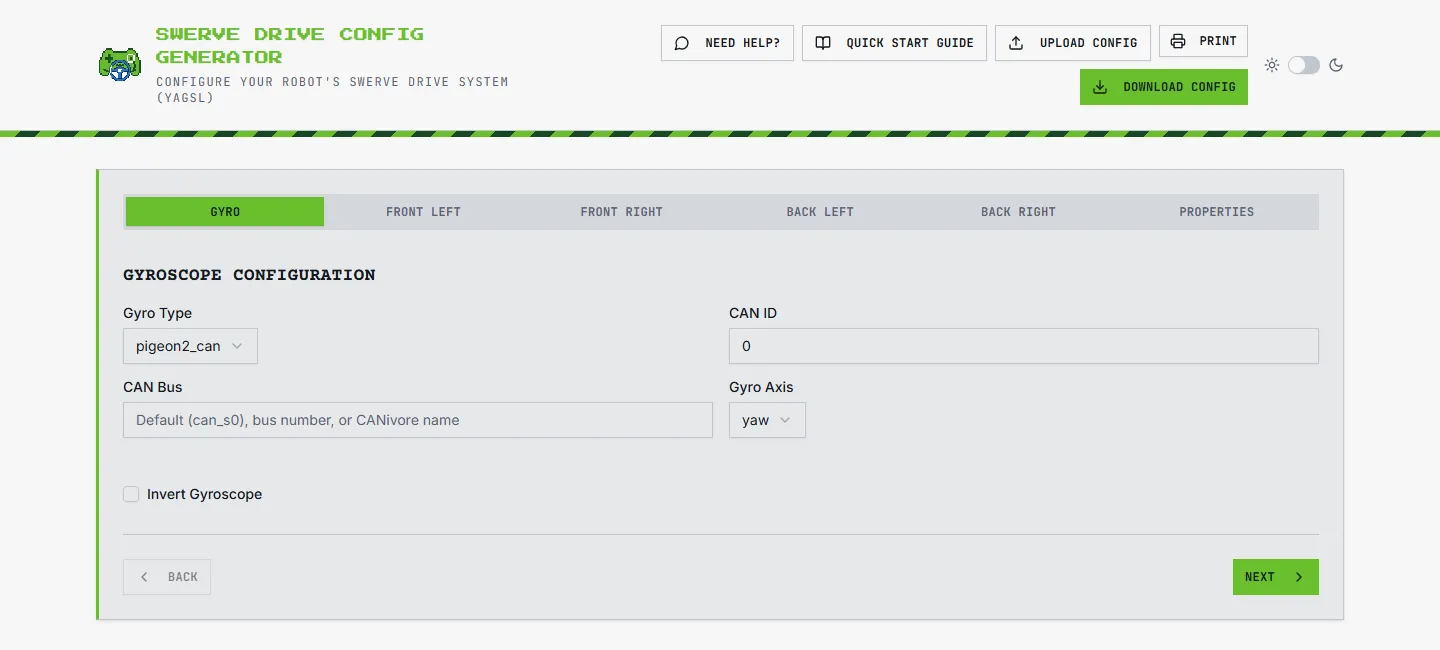
Print still prints on plain white paper, with no grid or dark background. You can keep a copy of your configuration and the guide’s checklist in the pit.
On your phone
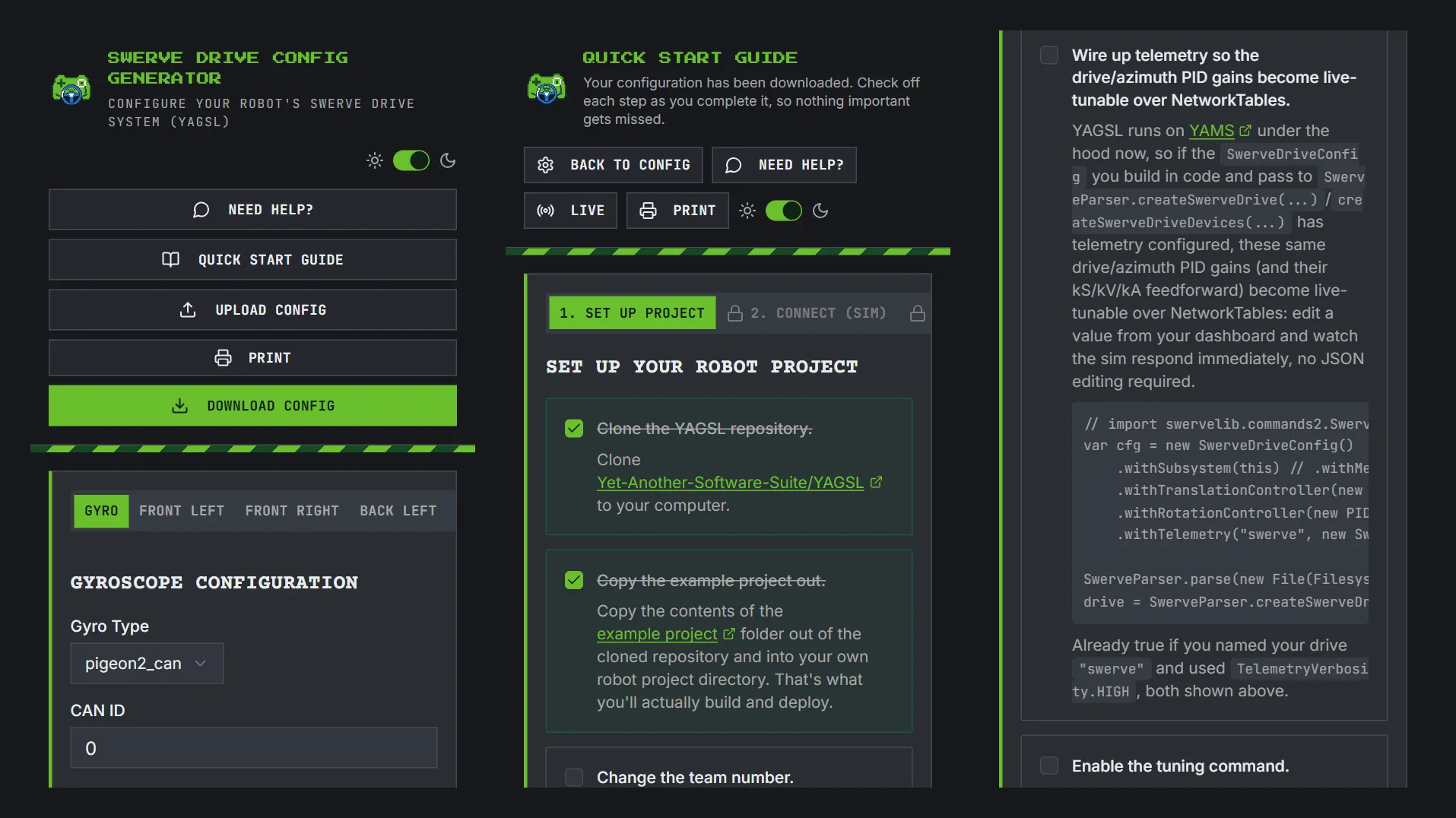
Both pages fit a phone, in portrait or landscape. Wide code samples in the guide now scroll inside their own box instead of making the whole page wider than the screen:
Coming soon: Live mode
Here’s a peek at what’s next. Live mode connects the Quick Start Guide to your simulator or robot over NetworkTables, so you can tune your swerve drive right on the page. It’s still being tested, so it isn’t open to everyone yet.
When you connect, it finds the swerve drives your robot code publishes and lets you pick one:

Tuning happens in one panel. Pick azimuth or drive, press Start, and move the setpoint. A graph shows every module against the setpoint, and the gains you type are used on the robot’s next loop. Here the azimuth switches between 0° and 15° every 2 seconds in the YAGSL example project’s simulation:
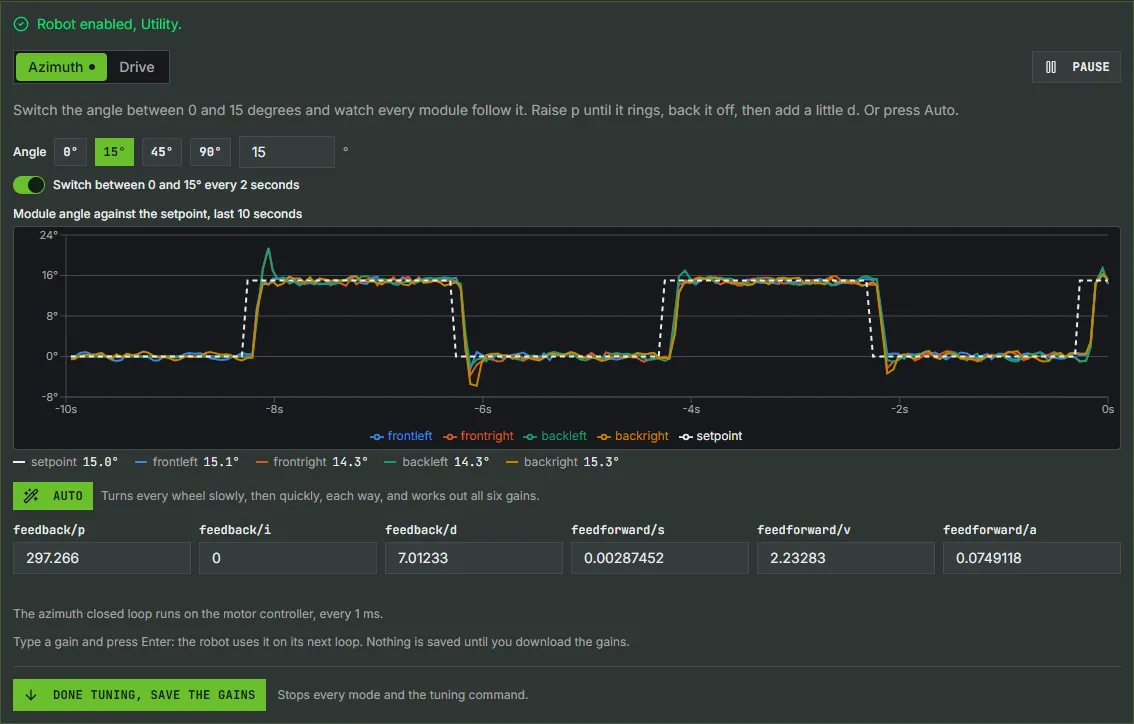
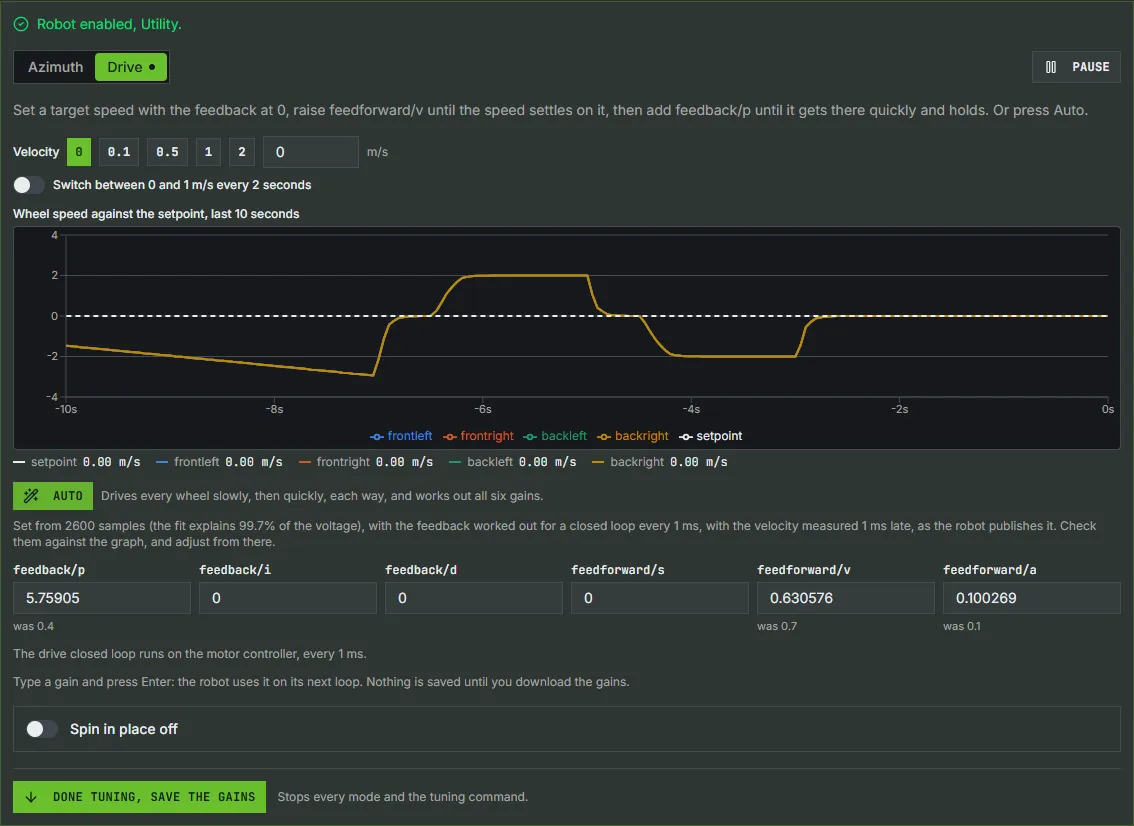
Not sure where to start? Press Auto. It works like WPILib’s SysId, built into the page. It drives every wheel slowly, then quickly, each way, fits the feedforward to how they moved, works out the feedback, and sends all six gains to the robot. On the simulation it takes about 20 seconds:
When it’s done, it shows how well the fit matched, and each gain shows what it was before:
When you’re happy with the gains, Live mode downloads them as your pidfproperties.json. On a real robot, it asks you to go through a safety checklist before anything moves.
Feedback
The config generator is open source: github.com/Yet-Another-Software-Suite/yagsl2027_config_generator. If something is hard to read or find in the new look, open an issue, or tell us on the YASS Discord.